
Puddle Accuracy
- True positive detection rate
- 97.1%
- False positive rate
- 0.8%
Built for Hanwha Open Platform
VisionAery Liquid Leak Detection on Wisenet 9 is a signed Open Platform app that runs inside the camera. It uses the camera's own NPU for a fast initial detector and the camera's CPU for a verifier, so every alarm can be confirmed by a second model before it leaves the camera. VisionAery is a Hanwha Vision technology partner.
VisionAery has detected liquid leaks on operating sites since 2023. V4, the fourth generation, shipped on Axis ARTPEC-9 on September 29, 2026 and ships on the other platforms November 15, 2026.
 Ships November 15, 2026
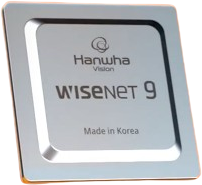
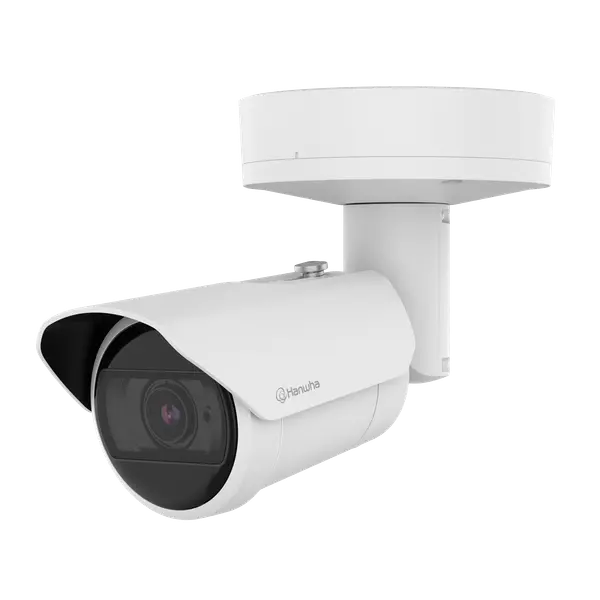
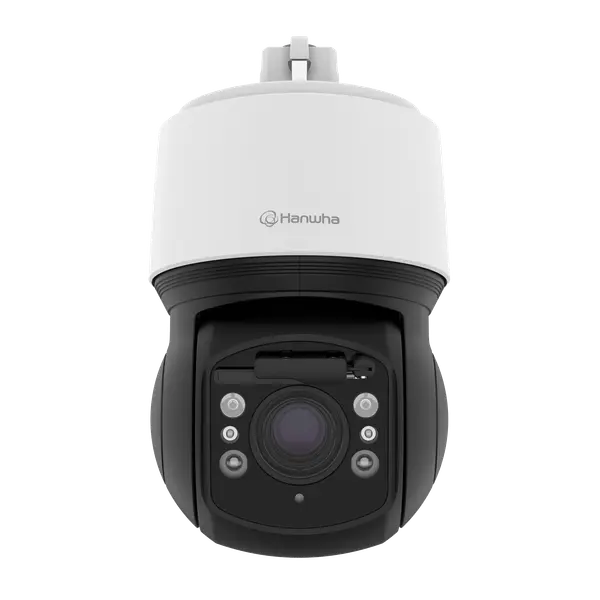
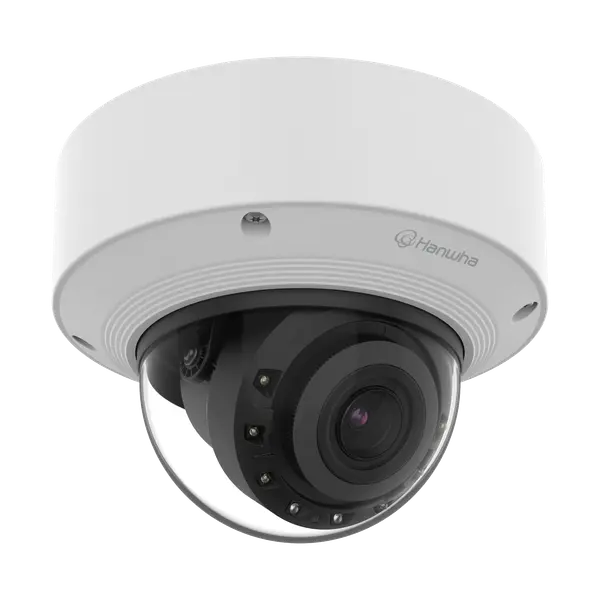
Detect puddles, spray, and visible vapor day or night. After dark, LLD works with artificial lighting or the camera's near-infrared (NIR) illumination.
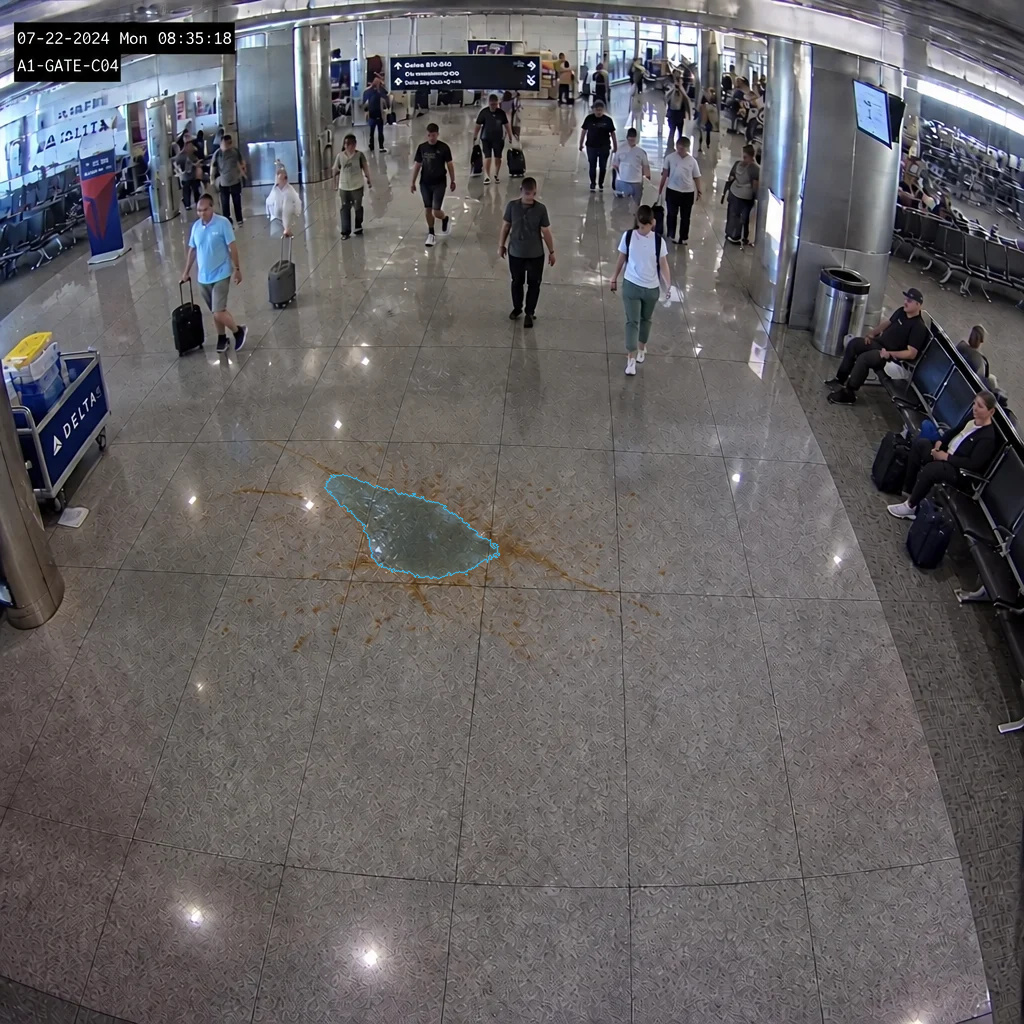
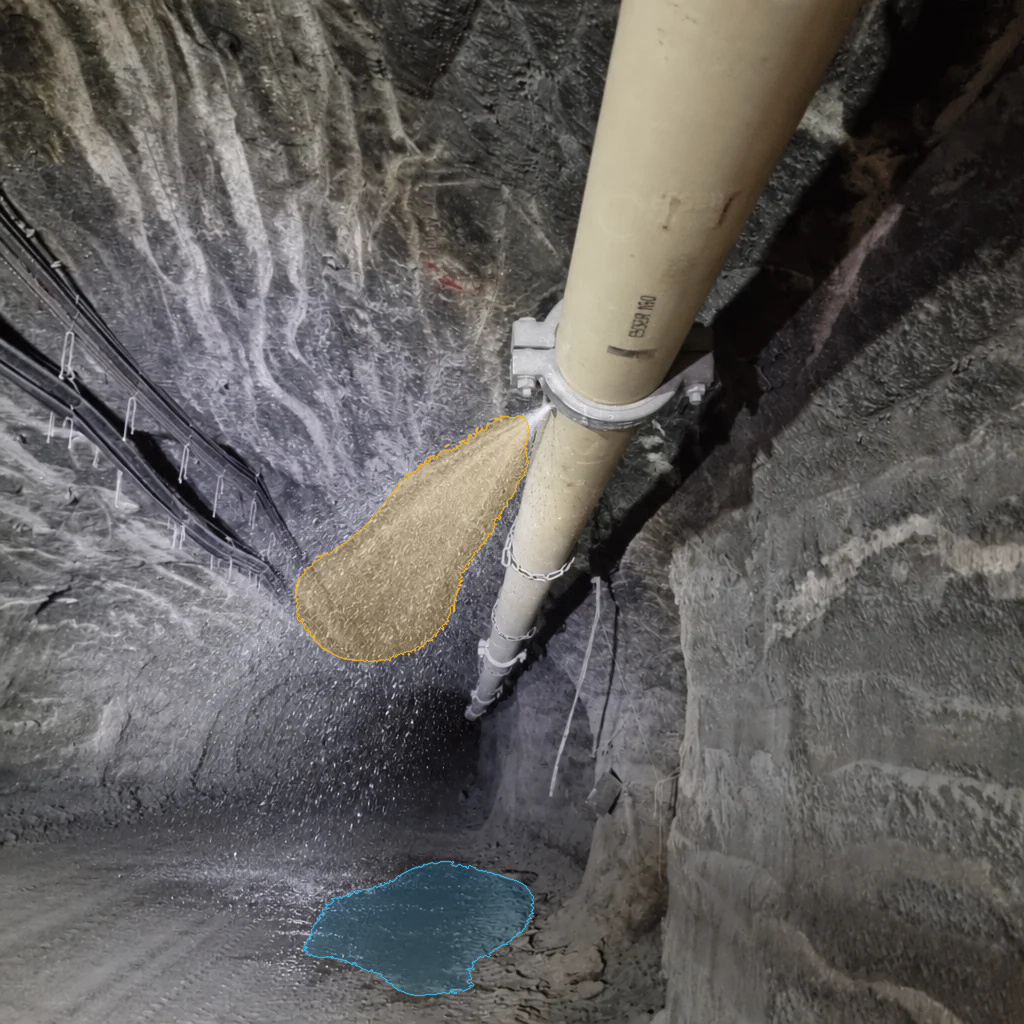
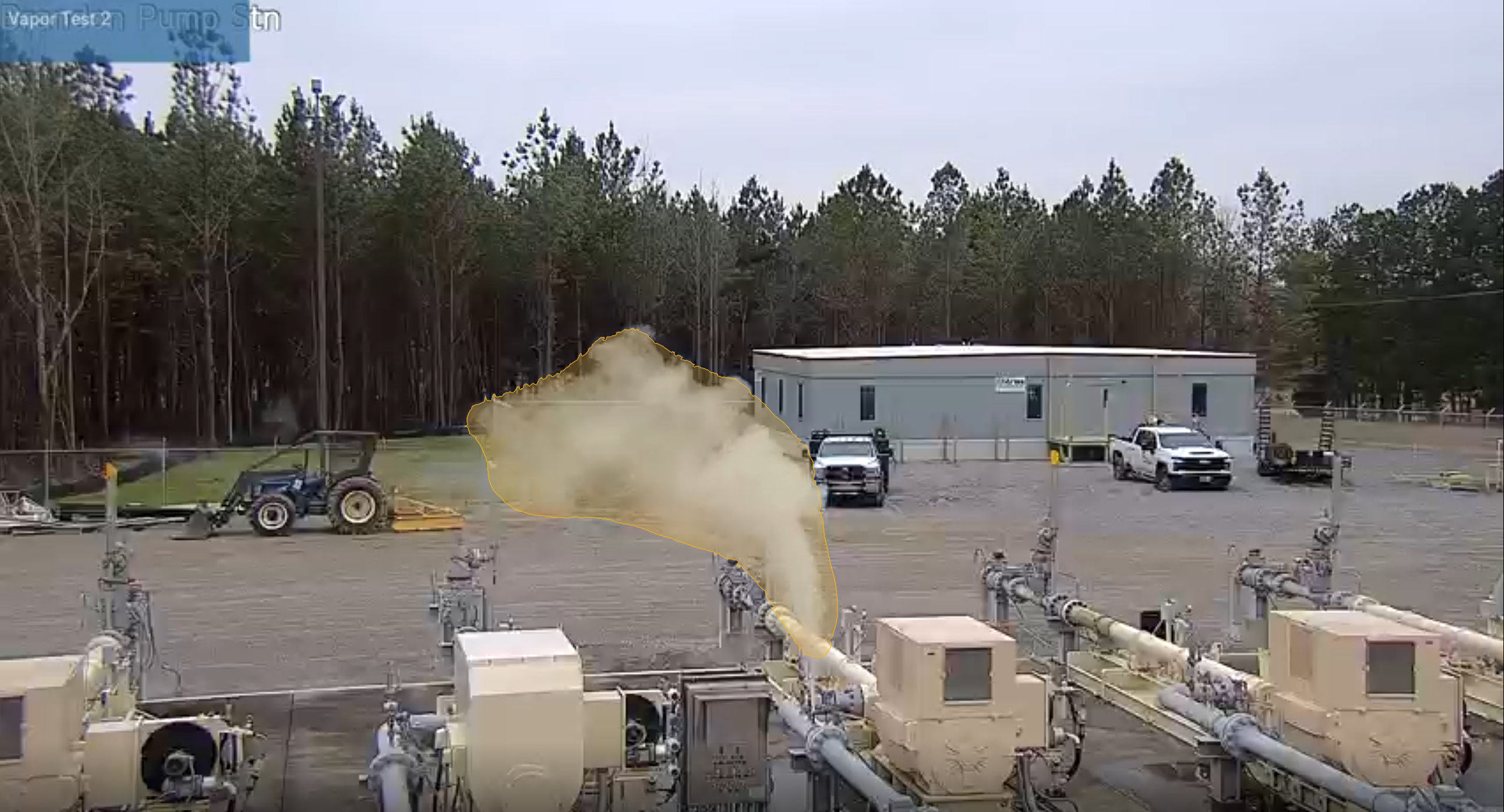
Accuracy was evaluated with 9,147 previously unseen frames, without per-site training, before the alarm engine was applied. Spray and visible vapor share a combined benchmark.
Read the Benchmark MethodologyTurn your Hanwha Wisenet 9 camera into on-site leak detection, without a separate server or cloud processing. One signed Open Platform app detects puddles, spray, and visible vapor, day or night, confirms each detection with a second model before it alarms unless you turn verification off, and integrates data and alarms into your existing VMS, SCADA, or other platforms.
The camera's NPU is fast but small, and the camera's CPU is capable but slow. The Wisenet 9 app uses both.
runs on the NPU about once a second and watches every zone for the first sign of a puddle, a spray or a visible vapor.
runs on the CPU. It confirms the initial detector's finding the moment one is raised. It also scans independently on a user-defined cadence, so it can pick up something the initial detector misses without waiting for an initial detection.
When the initial detector sees something, the verifier checks the same area; the alarm ladder advances only when the two agree. If the initial detector misses a slow seep but the verifier sees it twice in a row above the zone's threshold, the verifier raises the alarm itself.
Stages, growth and shrink timers, sensitivity tiers and rain handling are unchanged. Only how the reading is produced is different, and every alarm record says which model produced it.
The same monitored areas feed two detection paths.
Watch for puddles, spray and visible vapor.
A second model checks the initial detector’s finding.
Advance the shared alarm ladder.
Runs independently of NPU findings. No initial detection is required.
Another opportunity to find something the initial detector may miss.
Example: 2 consecutive findings. The required count is configurable.
Advance the same alarm ladder.
Existing stage rules, growth and shrink timers, sensitivity tiers and rain handling determine alarm progression. Qualification is not an automatic jump to the highest stage.
The camera’s own event rules and subscribing VMS systems act on the alarm.
Deliver alarms and telemetry in JSON, Sparkplug B, or both.
LLD delivers the webhook. Your receiver handles email, SMS, ticketing or storage; snapshots are optional.
Every alarm identifies its producing model. Snapshots are optional. Rejected detections are also retained for review, not published.
One signed .cap package installs on a Wisenet 9 camera from the camera's own Open Platform page. The app works out whether the camera is fixed or PTZ and sets itself up.
The application detects the camera's capabilities and adapts its interface to them.
Wisenet 9 cameras on Hanwha's Open Platform camera list, fixed or PTZ.
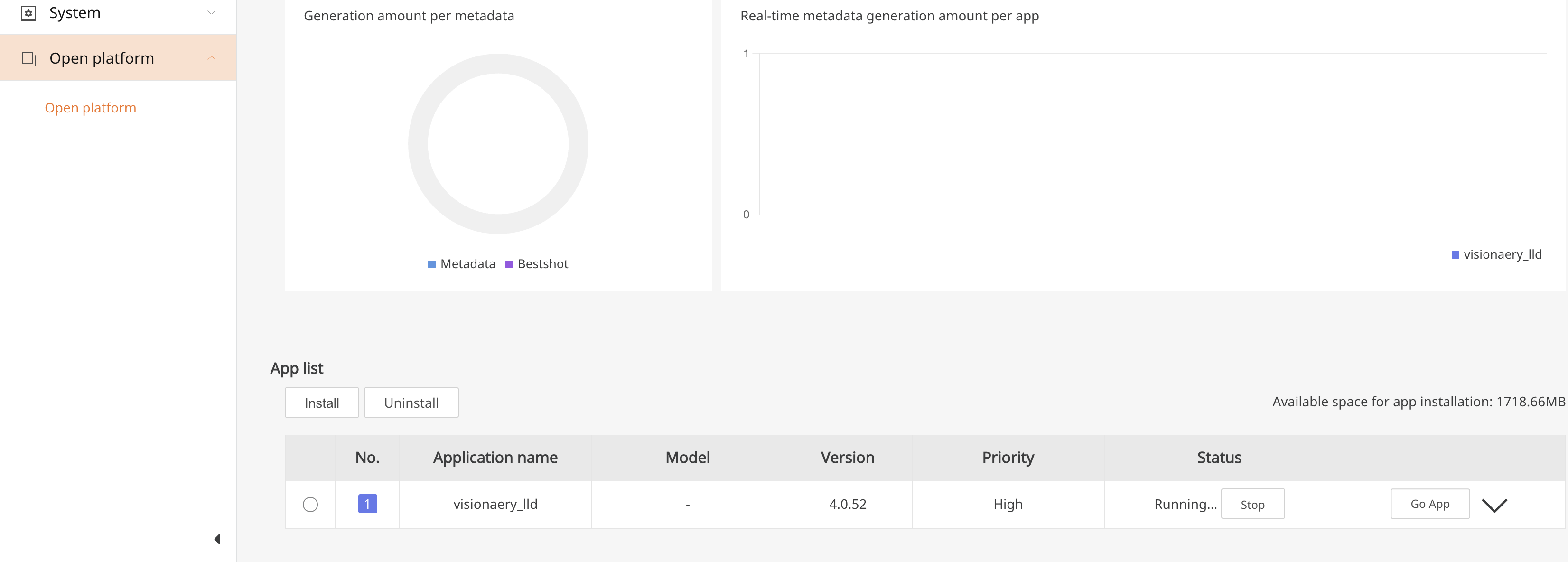
Open the camera in a browser → Setup → Open Platform → Install → select the .cap → set the app to High priority with Auto start.
The app checks both models on the camera every time it starts. The dashboard shows NPU ready and Verifier ready when it is detecting.
No server, no gateway, no cloud account. Press Go App on the Open Platform page to reach the app's own settings page, behind the camera's own login.
Try it free on your own camera for thirty days. Then choose a yearly plan or buy it outright, with support if you want it. Licenses are per camera.
The full product with every integration. Draw zones, test in your environment, and verify integrations. Longer trials granted upon request.
Pay yearly and always run the current version. Updates and support are included while the subscription is active.
Own the license outright. Add an optional support plan ($150 per year) for updates and help from the people who built it.
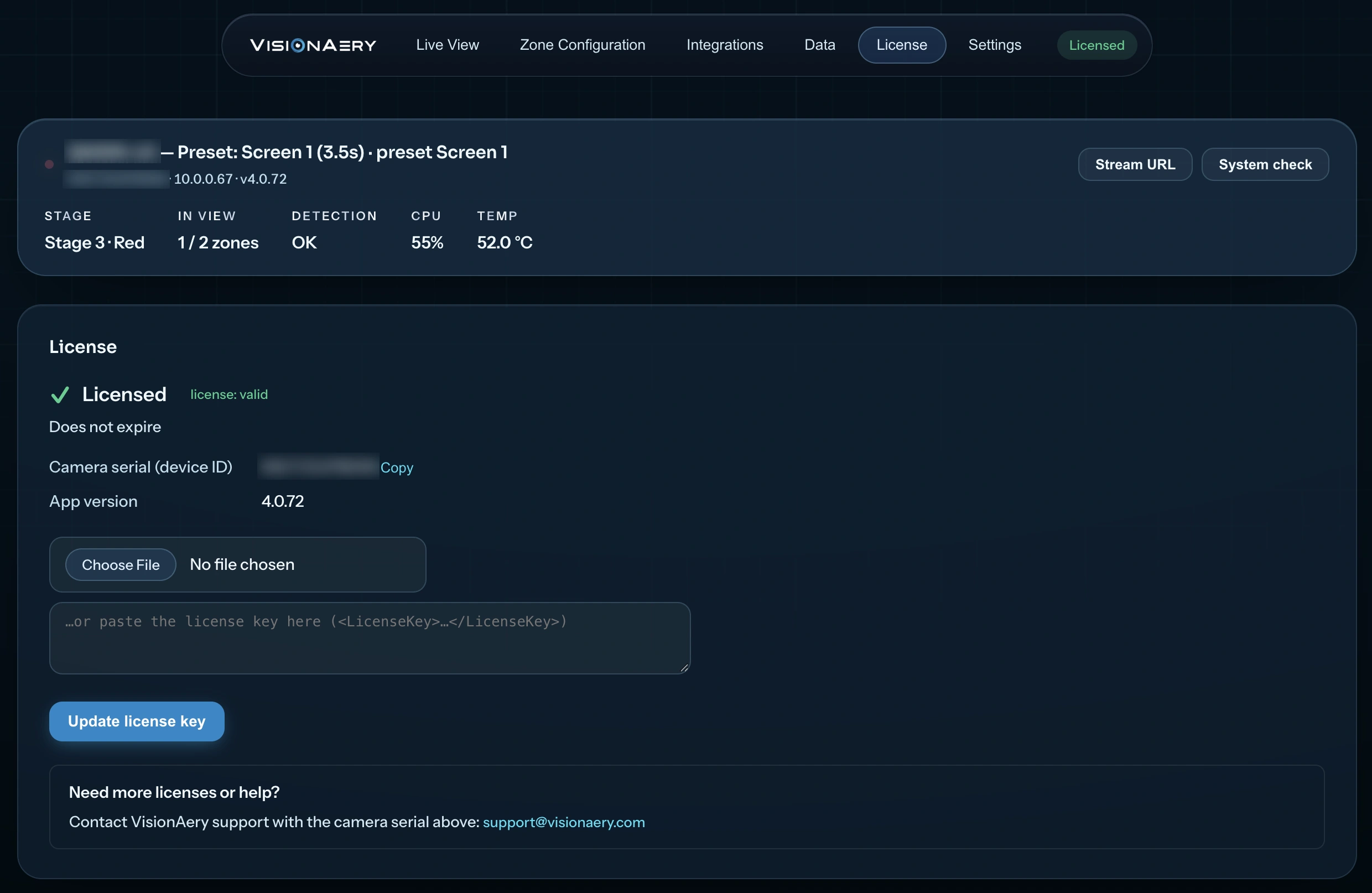
Every license, trial included, is issued for one camera. The serial is shown on the License tab.
Once you decide you love the Liquid Leak Detection application, send us a purchase order for annual or perpetual licenses for your desired number of cameras.
Paste the key or upload the key file. The banner on every tab shows trial, licensed or expired, with the date it ends.
Zones, integrations and settings stay where they are. Only the key changes.
Choose your camera views, define what matters in each scene, and tune detection to your environment.
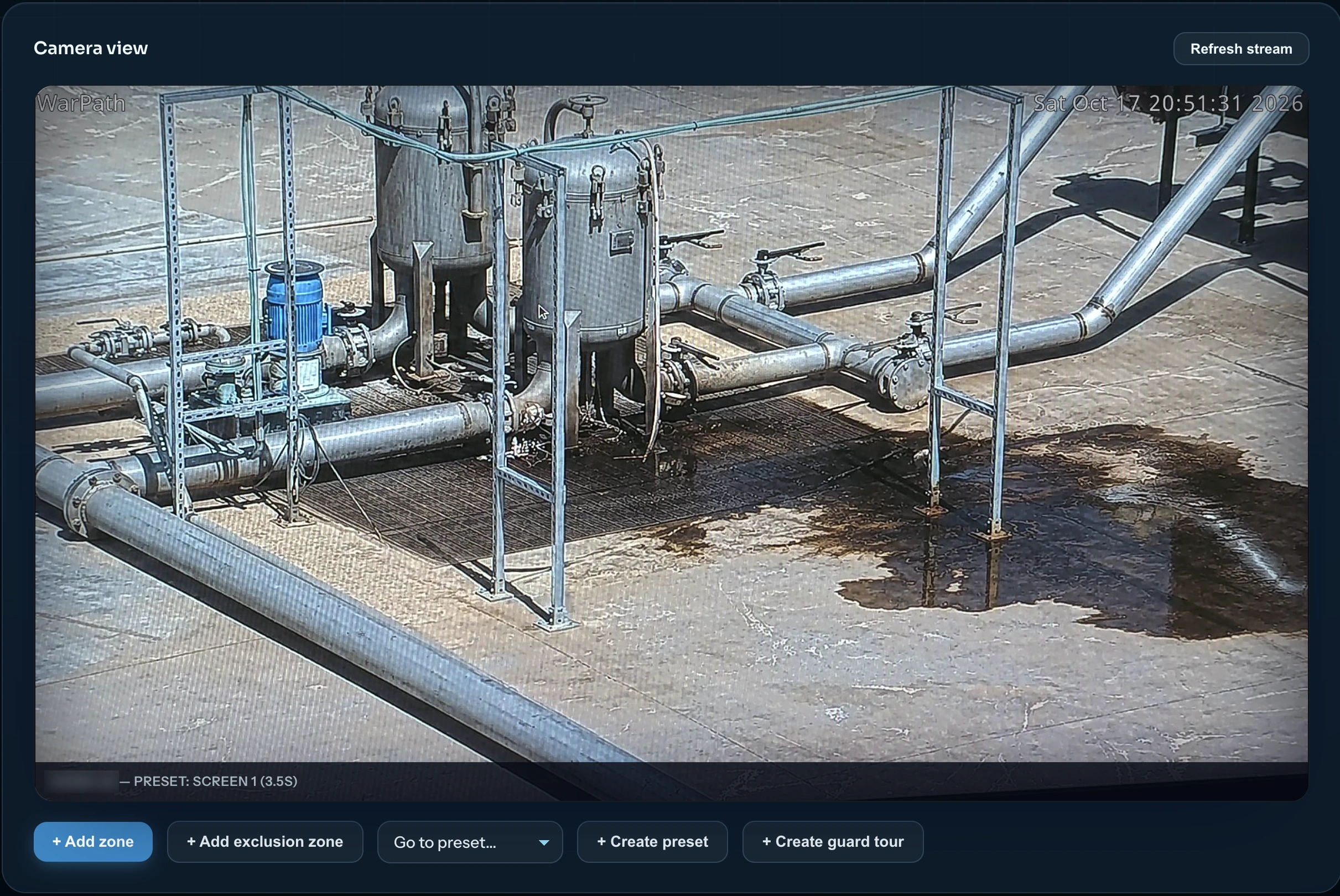
Start with the views you want to monitor. Create presets and guard tours from the LLD application or the camera's own interface.
Save a preset for each area of interest, then create a guard tour to move between them. The app drives the camera over SUNAPI and learns each preset's position so it knows which zones to evaluate when the camera arrives. Give each stop a dwell of a minute or more so the verifier gets its turn.
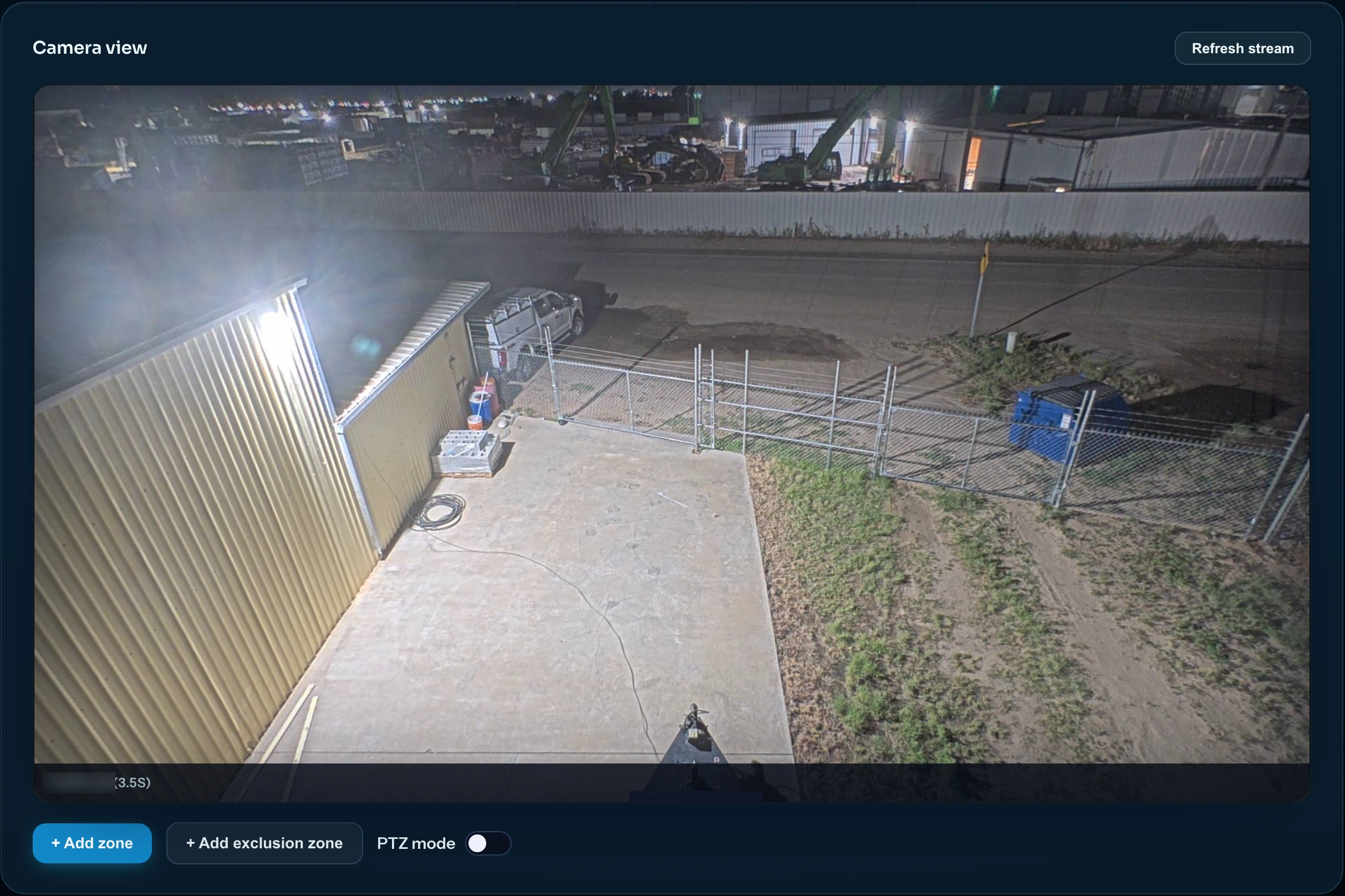
Keep a standard fixed view, or enable PTZ mode to move a view area within the camera's field of view. Use digital zoom and the jog controls to frame each area, save presets, and build guard tours, even on a fixed camera.
More detail where it matters. A focused view area keeps more pixel density on your area of interest, helping improve detection accuracy.
Draw areas of interest to define where LLD should look for leaks, and exclusion zones to leave unwanted areas out of detection.
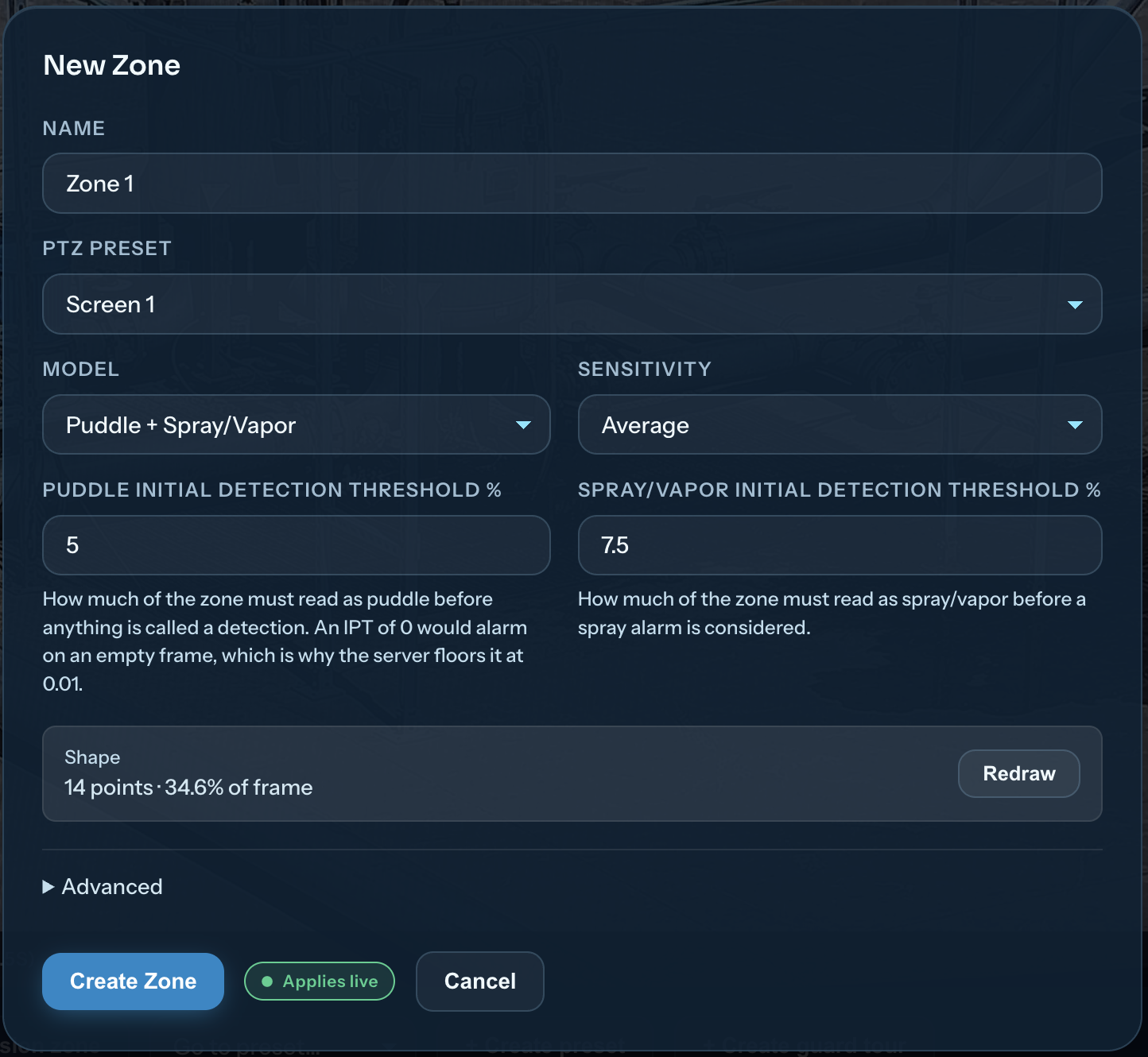
Bind both interest and exclusion zones to individual presets. Each zone activates only when its preset is in view, so one camera can precisely monitor multiple areas across your site.
Add as many interest and exclusion zones per preset as you need. Each interest zone has its own alarms, telemetry, and alarm-progression settings.
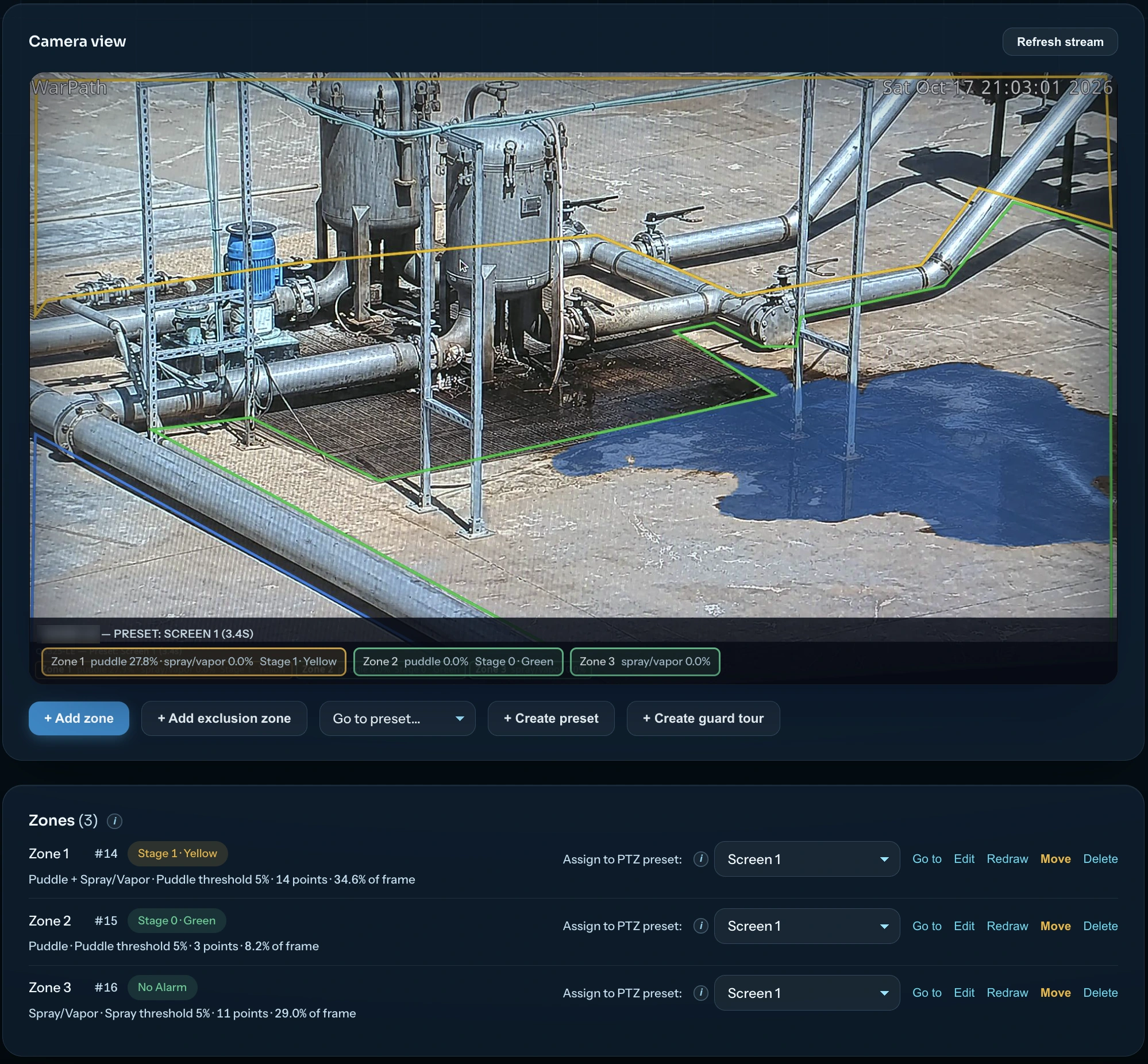
Name each area of interest and choose puddle detection, spray detection, or both. Then select the sensitivity that fits the scene and your operational needs.
Your best chance of quick detection, with a higher chance of false and nuisance alarms.
A balance between detection speed and reducing false and nuisance alarms.
Takes longer to detect, but prioritizes alarm accuracy with the lowest false and nuisance alarm rates.
Need more control? Open Advanced to customize the settings for your application. The Detection rate card on the Settings tab sets how often the initial detector and the verifier run, whether every alarm must be verified, and how many consecutive verifier detections raise an alarm on their own.
Check your monitored areas after dark, too: artificial lighting or the camera's NIR illumination should keep the scene clearly visible.
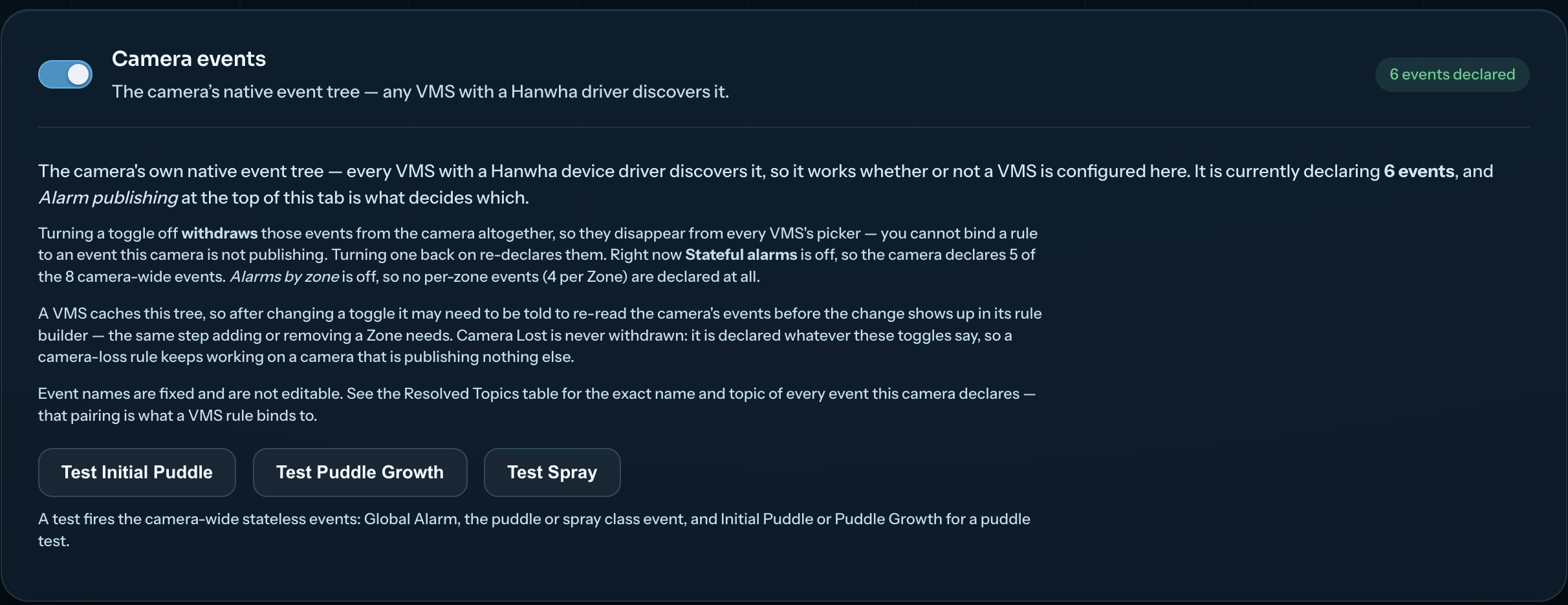
Send alarms to your VMS, connect telemetry to SCADA, or build a custom workflow with three prebuilt data integrations.
The app raises its alarms as the camera's own Open Platform events, so the camera's event rules and the systems that subscribe to Hanwha camera events can act on them: start a recording, close a relay, send an FTP snapshot or an email from the camera itself.
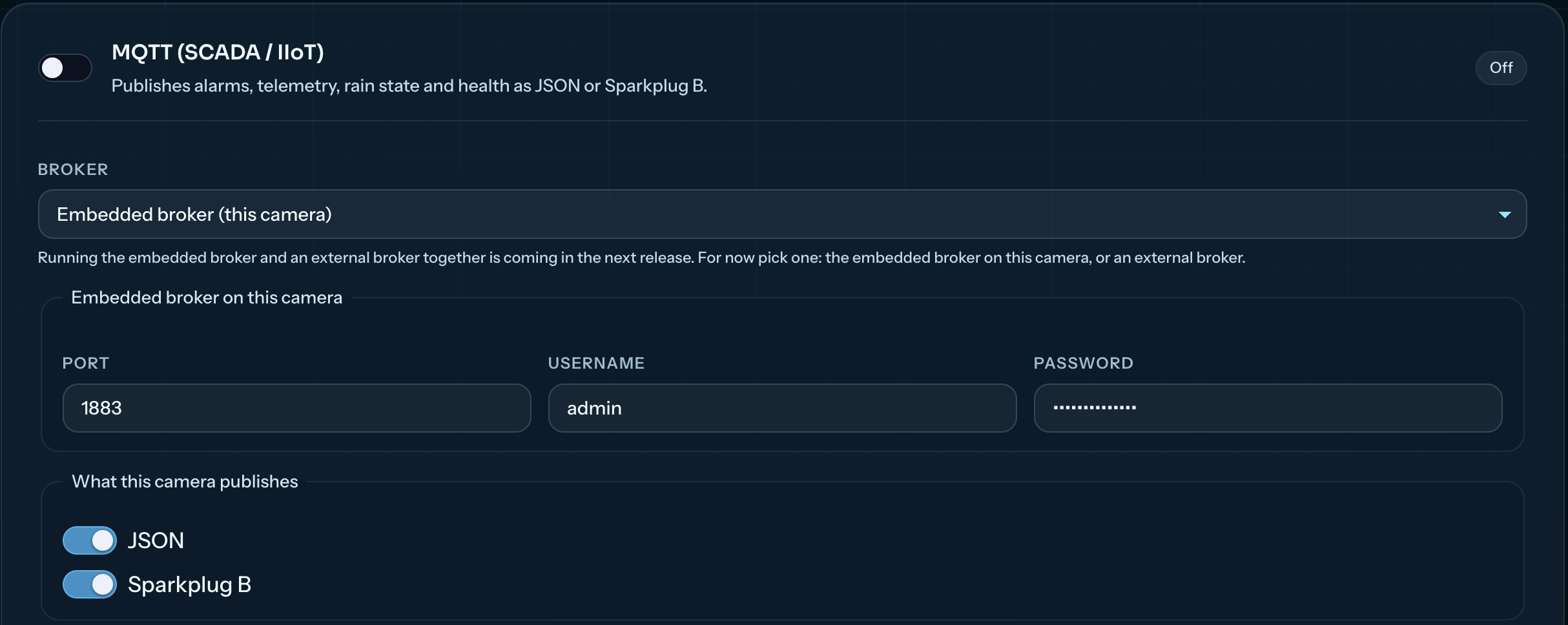
Point the app at your broker and connect alarm and telemetry data to your SCADA or other data platform. Send payloads in standard JSON, Sparkplug B, or both to suit your receiving system, under a topic prefix and device ID you set. Pre-mapped for Ignition: tags discover themselves in MQTT Engine, with nothing to map by hand. A guide is included for converting the MQTT payload into Modbus or OPC UA for systems that use those protocols.
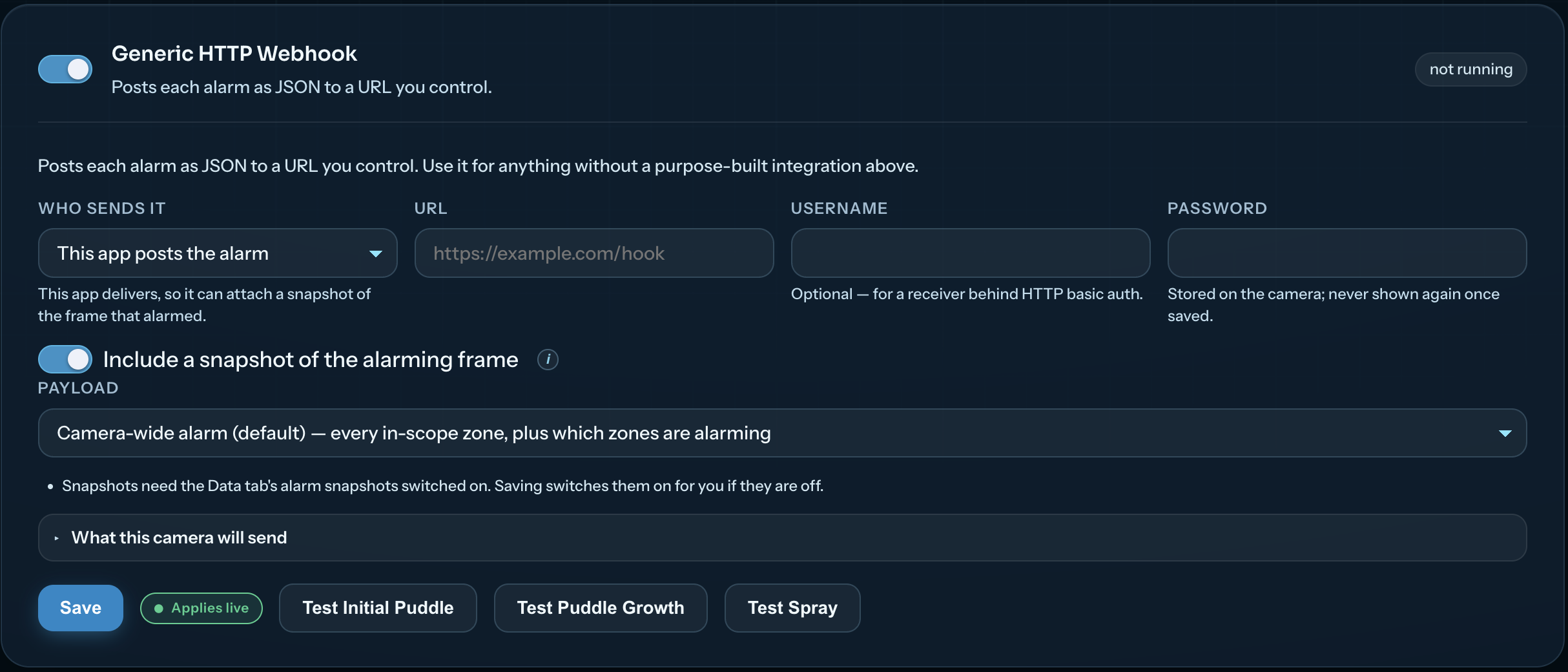
Connect LLD to systems beyond VMS and SCADA. Send an alarm, with snapshots if you want them, to a webhook receiver that triggers an email, sends an SMS, or archives snapshots and alarm history in an FTP folder. LLD delivers the webhook; your receiving service handles the notification or file storage.
Bring rain data into LLD through one of four connections, so the application can account for wet weather when managing alarms.
Connect a rain sensor directly to the camera's alarm input when available. This is the preferred connection for local rain sensing.
Use an I/O module, such as an Advantech ADAM module, to bring a physical rain sensor's data into the application over MQTT.
Let your weather station or SCADA tell the camera it is raining with a simple HTTP call.
With internet access from the camera, connect to a web-based weather service. Use weather data for the site's coordinates to control the application's rain function. A failed weather lookup never blocks detection.
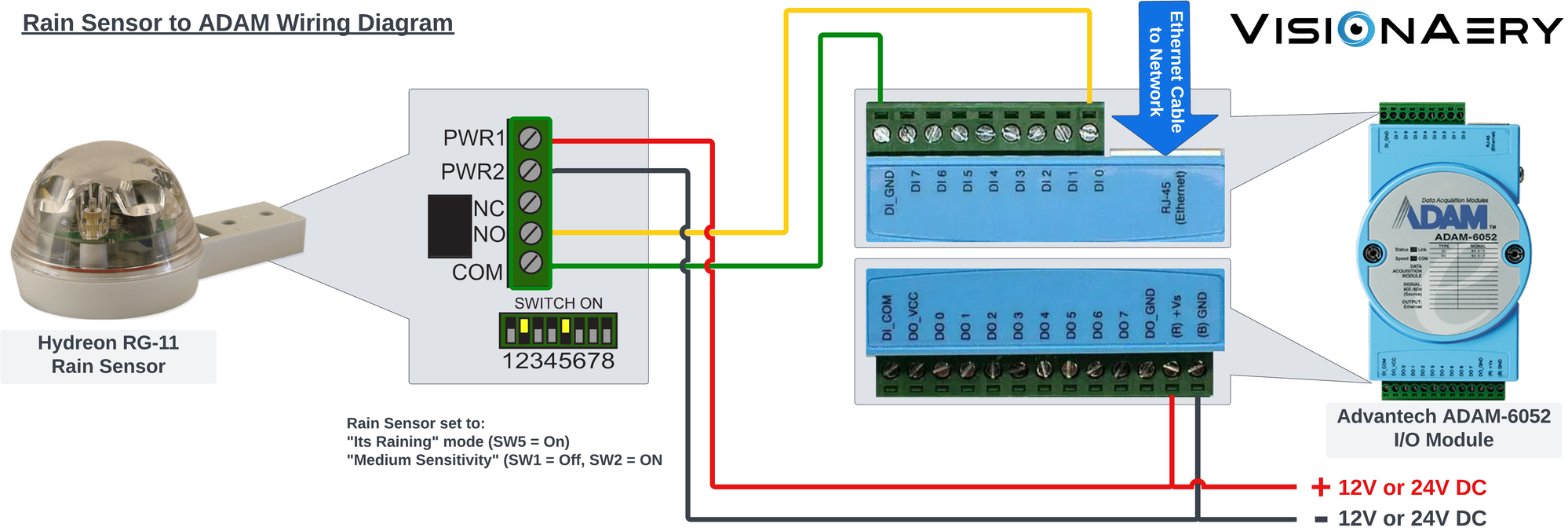
Shape LLD data to fit your existing systems, from how often it arrives to the visual context it carries.
Choose how often LLD sends telemetry updates to match your monitoring needs.
Choose whether to include a Base64-encoded snapshot of the camera's view, with or without the app's overlay, in your data payloads.
Edit payload topics and identifiers to fit the naming conventions your systems already use.
Use the available payload information to map LLD data into the right fields in your receiving systems. Every alarm names the model that produced it.
See previous alarms in the application to review what happened and when, including detections the verifier did not confirm, which are kept for review and never published.
| Plan | Price | Includes |
|---|---|---|
| Annual | $500 per camera channel per year | Software support (updates, upgrades, feature additions, bug fixes, security updates, model updates, data retrainings, and staff training) · email support |
| Perpetual | $1,500 per camera channel, one time | Optional support plan at $150 per year for the same software support |
| Volume | Custom | Orders above 1,000 licenses |
| Trial | Free, 30 days | Full features, one camera channel; longer on request. Request a trial |
A camera channel is one camera on an on-camera install, or one RTSP stream on an on-server install. Prices are in USD, software only, and exclude cameras, servers, installation, taxes and duties.
Ships November 15, 2026
Questions
On your site. In your systems.